

Global Timeline Workspace
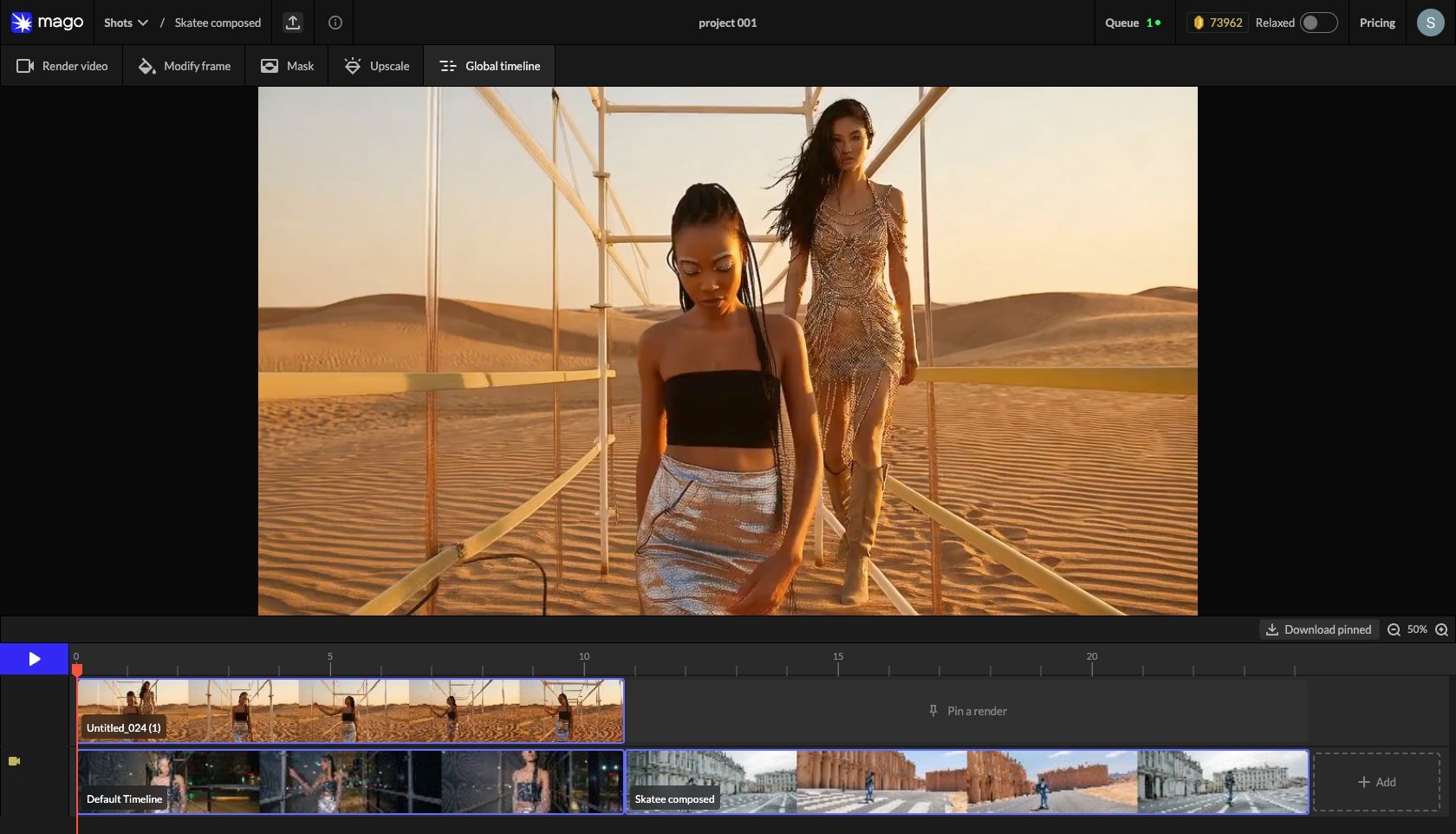
← Upscale · Workspaces · Next: Timeline & tracks →The Global Timeline is the cross-shot review surface for a project. It shows pinned renders from every shot in sequence, arranged in the order the shots appear in the project.
Purpose
Mago is designed around long-form projects — many users work on sequences of dozens or hundreds of shots. The Global Timeline solves the problem of maintaining consistency across that work:- Style consistency — does the visual treatment hold from shot to shot?
- Character continuity — does the character look the same in shot 12 as in shot 47?
- Color & lighting consistency — do successive shots match without jarring transitions?
- Pacing review — does the sequence flow as intended?
How to use it
- Render each shot and pick the best result.
- On the best render track in each shot, click Pin to Global Preview. Only one pin per shot is allowed.
- Open the Global Timeline tab — all pinned renders appear in order.
- Review the sequence. If a shot looks inconsistent, return to its shot view, generate a new render, and update the pin.
- Iterate until the sequence is internally consistent.
As a preview before export
The Global Timeline is the recommended final preview before exporting individual shots for an external editing or compositing pipeline. Catching inconsistencies here is cheaper than discovering them in a finishing tool.📐 Design note — Mago does not produce a single concatenated final video. Each shot exports separately, and final assembly happens in your editing tool. The Global Timeline preview shows what the assembled sequence will look like. See Export & compositing.
← Upscale · Workspaces · Next: Timeline & tracks →